Your floor turns green where you've been.
Vacuum with your iPhone in hand. Sweep follows your vacuum's floor head, paints every strip you cover onto the floor in augmented reality, and adds up the area. Finish, and you get a map of what you actually cleaned.
What people are saying
From the launch thread on X. Tap a card to read it there.
That is actually a genius use case for AR. Definitely beats the usual manual struggle of trying to figure out which spots you missed.
 @sirshibaninja
Vacuuming finally got a minimap
 @imoutoftokensFR
Clever actually. Your vacuum just needs a phone holder
 @emmjay_init
This is an oddly specific thing to make… It's good, though. Good job.
 @BenjaminBadejo
Super cool idea
 @wtsnz
shipping on day 1 is the real move. congrats
 @websterweby
Three steps. No accounts.
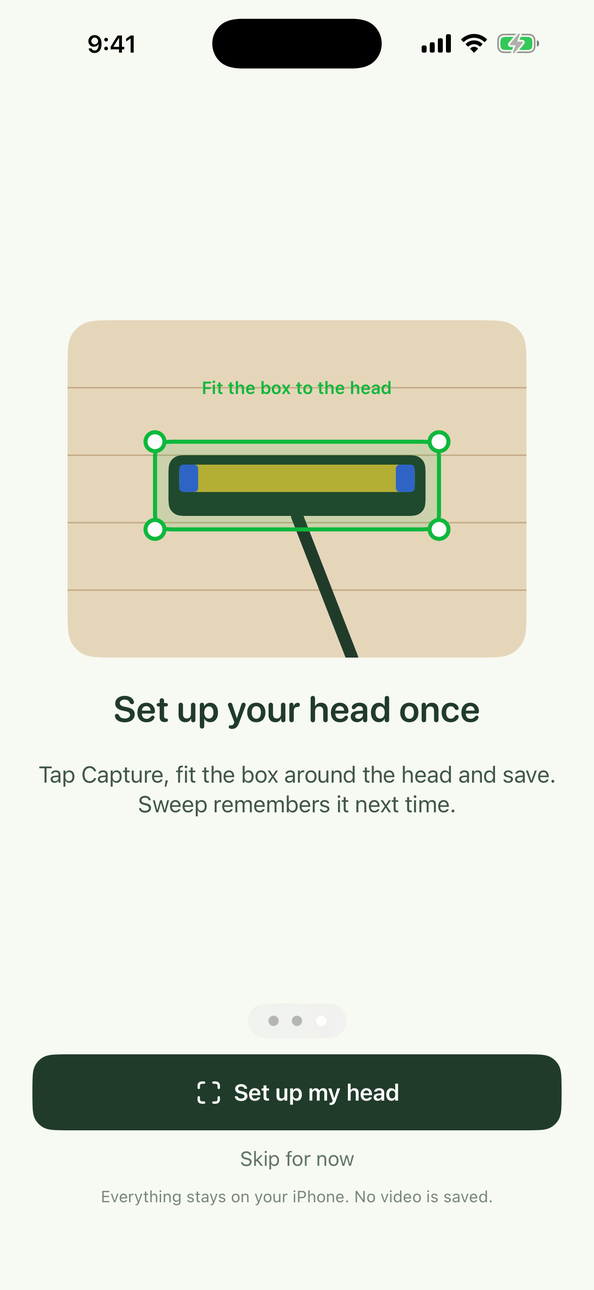
Show your floor head once
Aim, tap Capture, fit the box. Sweep remembers your vacuum head for every future session.
Vacuum as usual
Hold the phone so the head stays in view about a metre ahead. The floor turns green behind it.
See the map
Finish to get a top-down coverage map and the estimated area in square metres.

Coming after launch
RoadmapMissions and levels
Daily missions, streaks and levels for the rooms you actually cover.
Colour themes
Swap the green for any colour, or match it to the room.
Art unlock
A picture hides under the floor. Every strip you vacuum reveals a bit more.
Sweep Pro
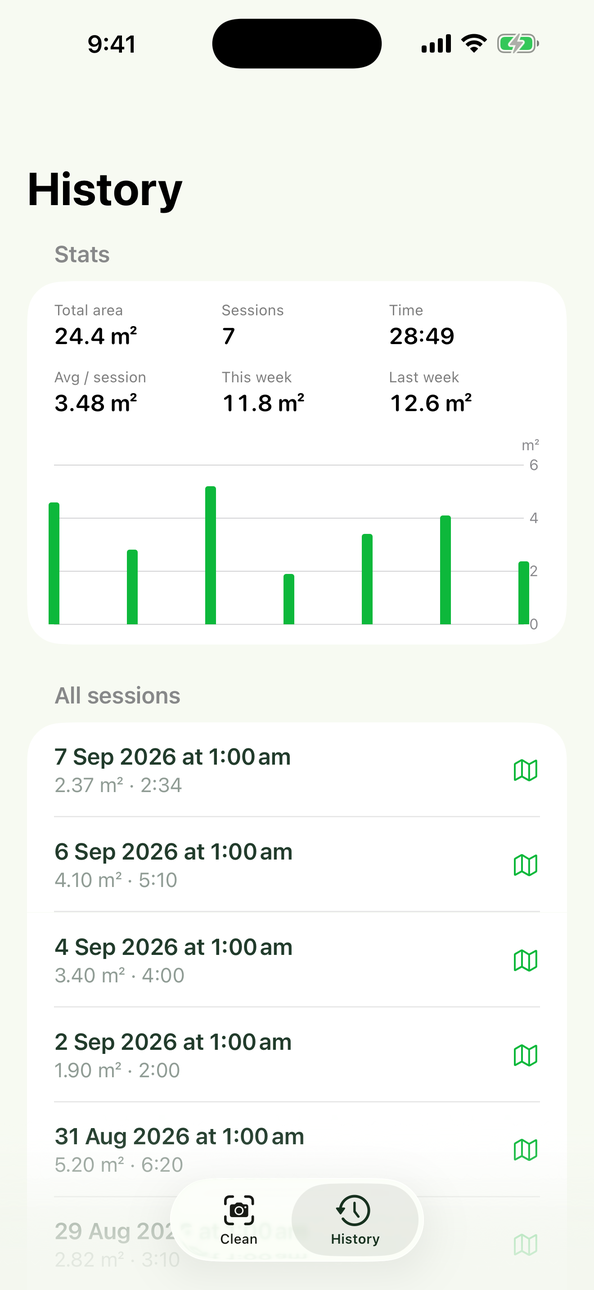
- Every session kept, with its map
- Total area, time and weekly statistics
- Everything stays on your iPhone
Which phones does it work on?
iPhones with LiDAR: iPhone 12 Pro and every later Pro model. The LiDAR sensor is what lets Sweep place the trail on your floor accurately.
Which vacuums?
Stick vacuums with a wide floor head. Heads with a floor light are found fastest, but any head works after the one-time setup.
Does it record video?
No. Everything is processed on the phone. Sweep stores only a small appearance reference of the head and your coverage maps.
Does anything leave my phone?
No camera frames, depth data or room geometry ever leave the device. There is no upload path in the app.
What is saved after a session?
Only the coverage map: a list of the floor cells you covered, the area and the time. It stays in History on your phone, encrypted, and is gone when you delete the app.
Does it use my location?
No. The camera is the only permission Sweep asks for.
Sweep is out.
Clip your iPhone to the wand, set up your floor head once, and watch the floor turn green behind you.
More from the maker


